

Notion
Cloud workspace that combines notes, docs, wikis and databases, built for teams that edit together.
Founded 2013
Some links on this page are affiliate links. If you buy through them we may earn a commission at no extra cost to you. This never affects our verdicts.
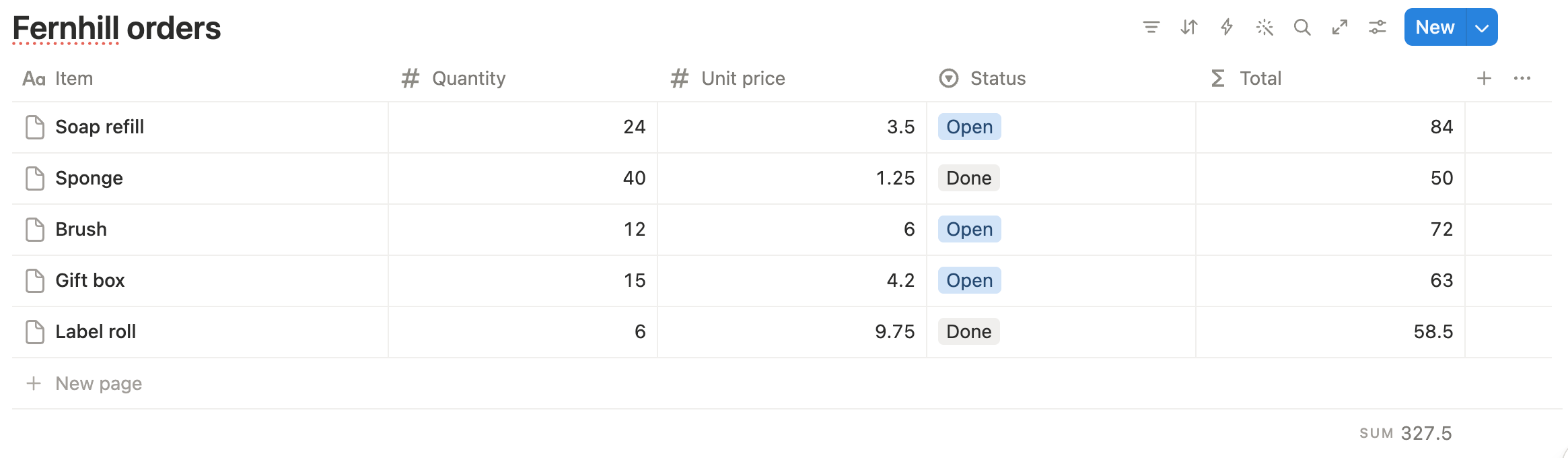
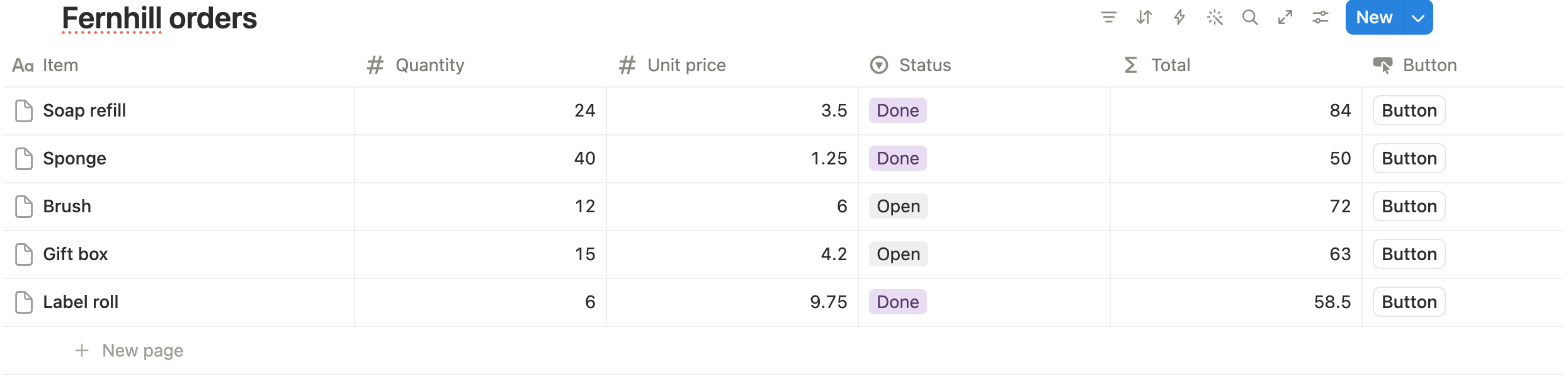
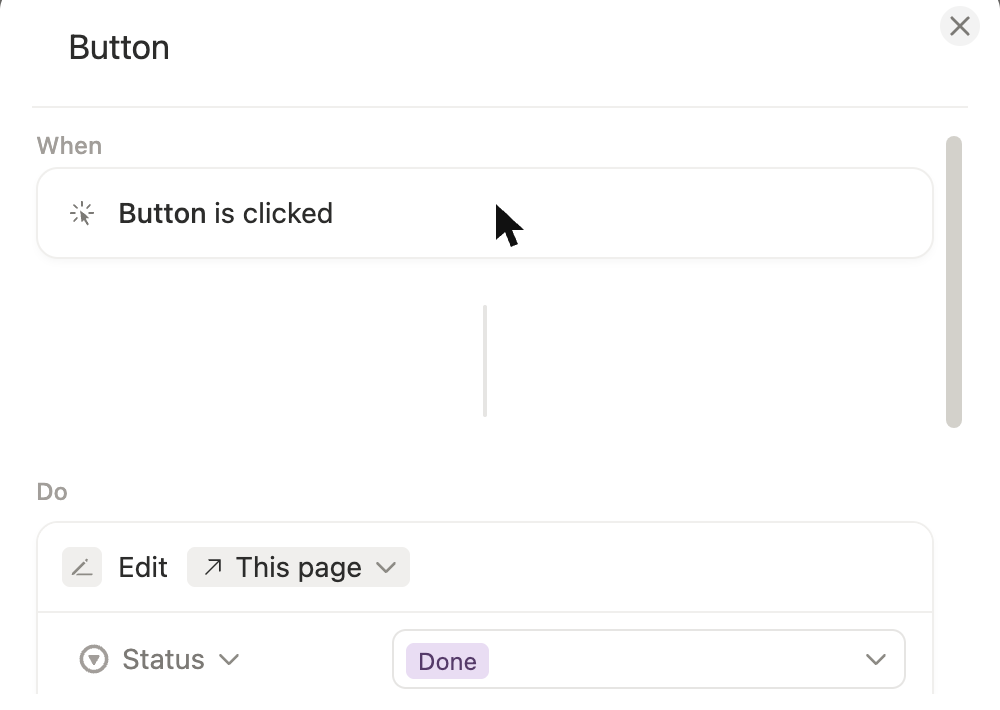
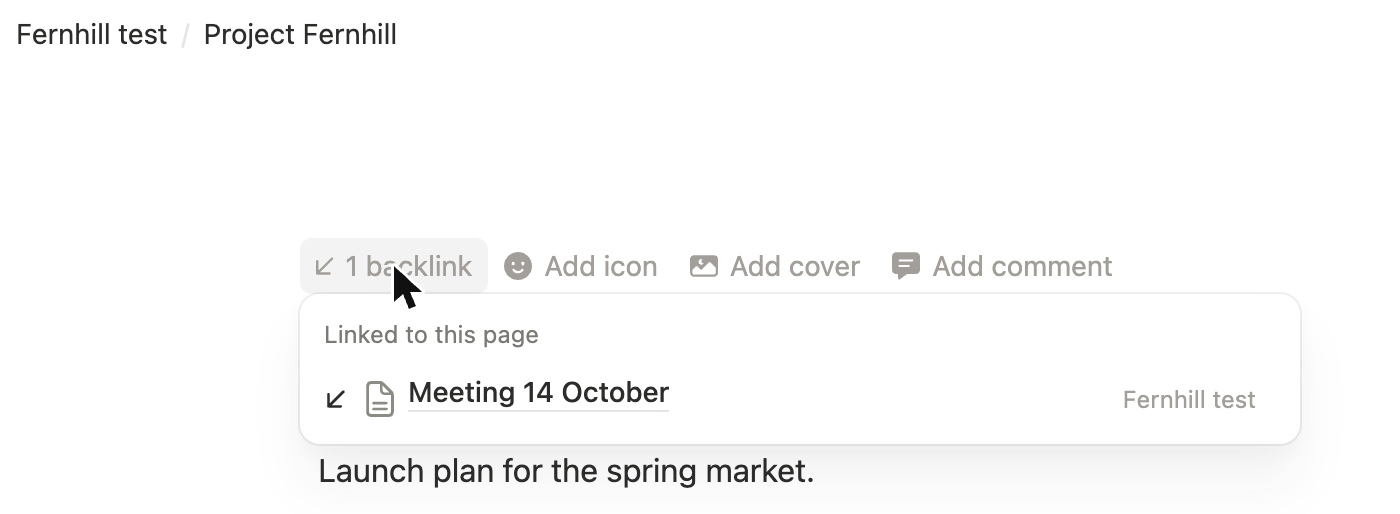
Notion is a cloud workspace where notes, documents, wikis and project trackers are all pages, and any page can hold a database. A Notion database is a collection of pages you can view as a table, board, list, calendar, gallery, timeline or chart, so one tool can cover meeting notes, task lists and a team wiki. There is no limit on how many people can edit the same page at the same time, with comments and @-mentions, and backlinks appear automatically when you @-mention another page. Pages can be published to the web with Notion Sites, and a REST API with webhooks connects outside tools. Notion AI, including Notion Agent and AI Meeting Notes, is included on the Business plan and above; Free and Plus get a limited trial. Offline access works in the desktop and mobile apps for pages you download. The company started in 2013.
Best for
Teams and individuals who want notes, wikis and project tracking in one shared workspace, and who value real-time collaboration and databases over local files.
Pros
- Databases with table, board, list, calendar, gallery, timeline and chart views turn notes into trackers
- No limit on how many people can edit the same page at once, with comments and @-mentions
- Free plan has no block limit for individuals and includes basic web publishing
- Public REST API and webhooks for connecting other tools
- Notion AI (Notion Agent, AI Meeting Notes, Enterprise Search in beta) is included from the Business plan
Cons
- Offline access works only in the desktop or mobile app, for pages you download (paid plans also download recent and favorite pages automatically), and saves only the first 50 rows of a database's first view
- Your workspace lives in Notion's cloud, not in files on your computer; you export to Markdown, CSV, HTML or PDF
- Full Notion AI needs the Business plan ($20 per member/month billed yearly); Free and Plus get only a limited trial
- Free plan caps file uploads at 5 MB each and page history at 7 days
- Monthly billing costs more: Plus is $12 per member/month billed monthly versus $10 billed yearly
From our tests
Screenshots of Notion from our hands-on tests. Each links to the full-size image; the test name leads to the task, how we judged it and the other tool's result.
Pricing
| Plan | Monthly | Yearly (12-month total) |
|---|---|---|
| FreeFor individuals; limited trial of Notion AI; 5 MB per file upload, 7-day page history | Free Free plan | |
| PlusPer member/month; $10/month billed yearly ($120/year), $12 billed monthly; Notion AI trial only | $12/mo | $120/yr ($10/mo) |
| BusinessPer member/month; $20/month billed yearly ($240/year), $24 billed monthly; includes Notion AI (Notion Agent, AI Meeting Notes, Enterprise Search beta), SAML SSO | $24/mo | $240/yr ($20/mo) |
| EnterpriseCustom pricing; contact sales | Custom | |
Prices checked on .
Features
In Notes and knowledge
| Feature | Notion |
|---|---|
| Offline use | Partial · Desktop/mobile apps only; downloaded pages; first 50 rows of a database's first view |
| Local-first files | No · Cloud workspace; export to Markdown, CSV, HTML, PDF |
| Databases | Yes · Table, board, list, calendar, gallery, timeline, chart, map, feed and form views (1 chart on Free); dashboard view on Business and Enterprise |
| Backlinks | Yes · Created automatically by @-mentions |
| Real-time collaboration | Yes · No limit on simultaneous editors |
| API | Yes · REST API and webhooks |
| Publish to web | Yes · Notion Sites; custom domain on paid plans, $8/month per domain billed yearly |
| Encryption | Partial · AES-256 at rest, TLS 1.2+ in transit |
| AI features | Yes · Business plan and up; limited trial on Free and Plus |