

Microsoft OneNote
Microsoft's free digital notebook for typed, handwritten and drawn notes, synced through OneDrive across devices.
Founded 2003
Some links on this page are affiliate links. If you buy through them we may earn a commission at no extra cost to you. This never affects our verdicts.
Microsoft OneNote is a digital notebook app. Notes are organized into notebooks, sections and pages, and each page is a free-form canvas: you can type anywhere, write or draw with a pen, and add pictures, files and recordings. In the Windows app, search also finds handwriting and text in pictures. The app is free on Windows, Mac, iPhone, iPad, Android and the web. Notebooks sync through OneDrive or SharePoint; the Windows app can also keep a notebook on your PC, while the Mac app keeps everything in OneDrive. A notebook in the cloud can be shared for viewing or editing, and several people can edit it at once. Sections can be locked with a password. Copilot in OneNote summarizes notes, creates task lists and rewrites text with Microsoft 365 Personal, Family or Premium (Windows app only) or a Microsoft Copilot work license. OneNote was first released in 2003.
Best for
Students, pen and tablet users, and Microsoft 365 households who want a free, free-form notebook on every device and do not need databases or backlinks.
Pros
- Free on Windows, Mac, iPhone, iPad, Android and the web, and you can create as many notebooks as you want
- Free-form pages for typing, handwriting and drawing; the Windows app also searches handwriting and text in pictures
- Shared notebooks can be co-authored by several people at once, by invitation or with a view or edit link
- Copilot in OneNote for Windows (summaries, task lists, rewrites) comes with Microsoft 365 Personal, from $9.99 a month
- Microsoft Graph REST API gives apps access to notebooks, sections and pages
Cons
- No database views or backlinks: pages hold plain tables, and links between pages are added by hand
- The Mac app keeps all notes in OneDrive, so a notebook stored on your computer needs the Windows app; sharing needs OneDrive or SharePoint
- No Copilot in the free app, and with a home plan Copilot in OneNote works only in the Windows app
- Passwords protect whole sections only (128-bit AES), and if you forget one, not even Microsoft can unlock those notes
- Free storage is OneDrive's 5 GB; 1 TB needs Microsoft 365 Personal at $99.99 a year or $9.99 a month
From our tests
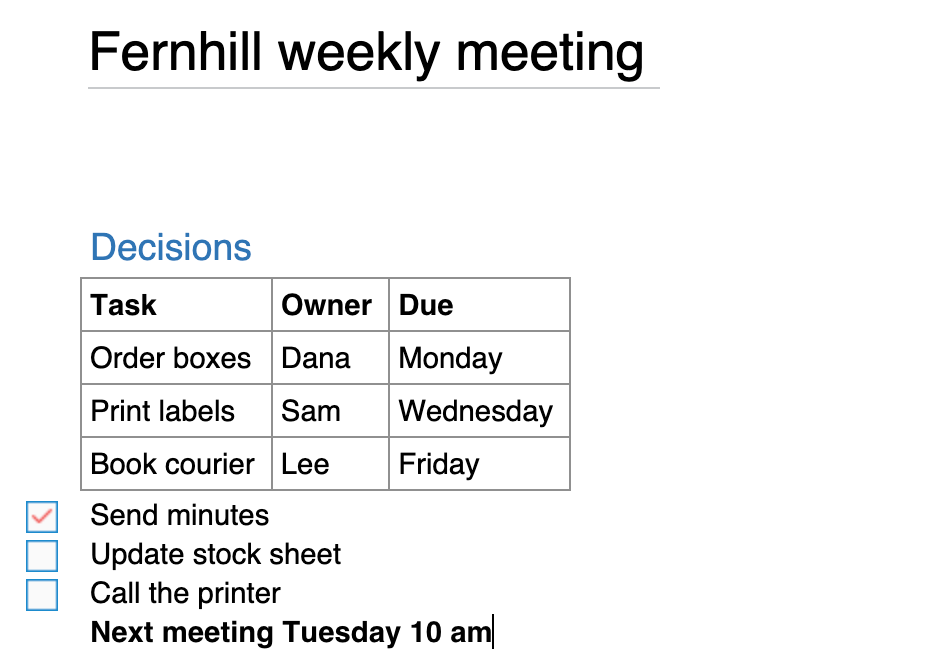
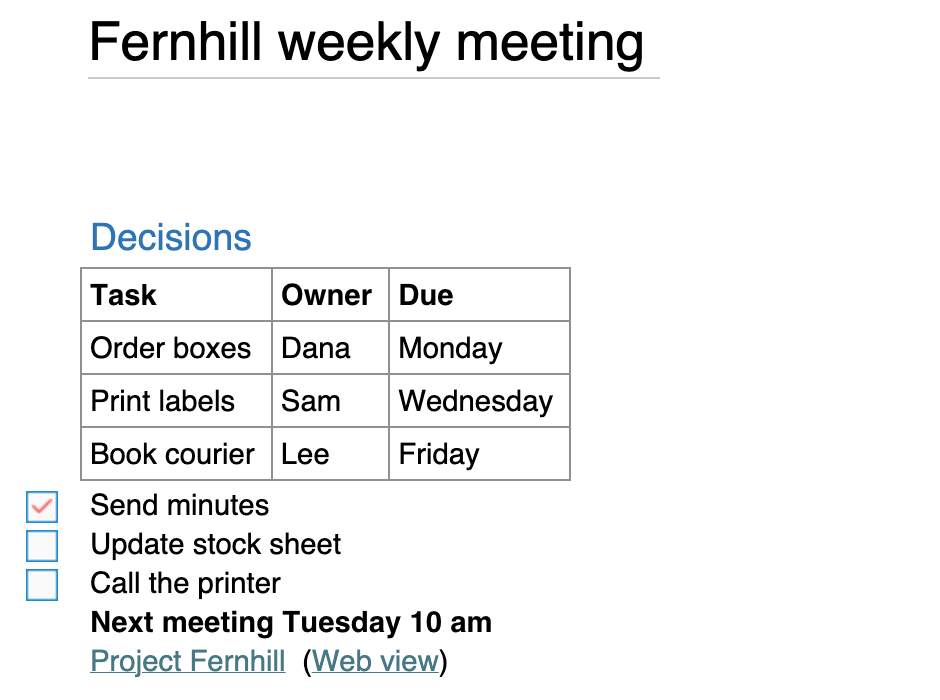
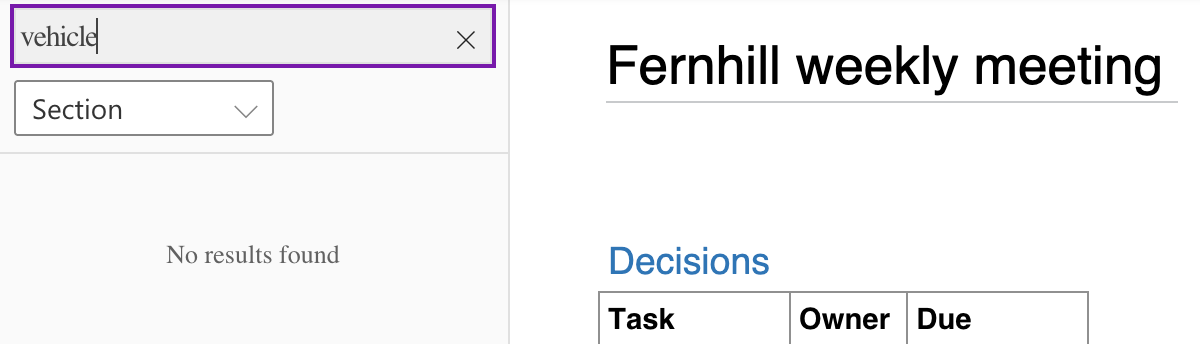
Screenshots of Microsoft OneNote from our hands-on tests. Each links to the full-size image; the test name leads to the task, how we judged it and the other tool's result.

Pricing
| Plan | Monthly | Yearly (12-month total) |
|---|---|---|
| FreeFree apps for Windows, Mac, iOS, Android and the web; a Microsoft account with 5 GB of free OneDrive storage; no Copilot in OneNote | Free Free plan | |
| Microsoft 365 PersonalFor 1 person; $99.99 billed yearly, $9.99 billed monthly; 1 TB OneDrive storage; Copilot in OneNote (Windows app); 1-month free trial | $9.99/mo | $99.99/yr ($8.33/mo) |
| Microsoft 365 FamilyFor 1 to 6 people; $129.99 billed yearly, $12.99 billed monthly; 2 TB shared OneDrive storage; AI for the subscription owner only | $12.99/mo | $129.99/yr ($10.83/mo) |
| Microsoft 365 PremiumFor 1 to 6 people; $199.99 billed yearly, $19.99 billed monthly; Family plus extensive Copilot usage and agentic AI features; AI for the owner only | $19.99/mo | $199.99/yr ($16.67/mo) |
Prices checked on .
Features
In Notes and knowledge
| Feature | Microsoft OneNote |
|---|---|
| Offline use | Yes · Windows app keeps a local copy for offline edits and merges them when back online; iPhone/iPad sync pending changes too |
| Local-first files | Partial · Windows app can store a notebook on This PC; Mac app keeps all notes in OneDrive |
| Databases | No · Plain tables; a table can be converted to an Excel spreadsheet; no database views |
| Backlinks | No · Links to notebooks, sections, pages and paragraphs are copied and pasted; no backlinks list |
| Real-time collaboration | Yes · Shared notebooks on OneDrive or SharePoint can be co-authored by several people at the same time |
| API | Yes · Microsoft Graph OneNote REST API; delegated sign-in only (no app-only access) |
| Publish to web | Partial · View-only or edit links to a whole notebook on OneDrive or SharePoint; single-page sharing was removed |
| Encryption | Partial · Password-protected sections only (not pages or notebooks), 128-bit AES; no password recovery |
| AI features | Yes · Copilot in OneNote with Microsoft 365 Personal, Family, Premium (Windows only) or a Copilot work license |