

Obsidian
Private, local-first note-taking app that keeps your notes as Markdown files on your own device.
Founded 2020
Some links on this page are affiliate links. If you buy through them we may earn a commission at no extra cost to you. This never affects our verdicts.
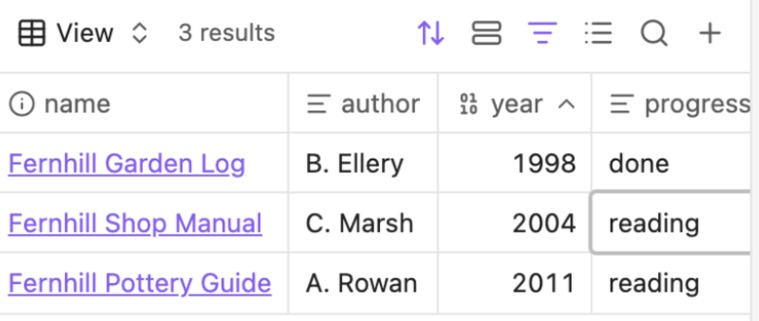
Obsidian is a note-taking app that stores your notes as plain Markdown files in a folder on your own device, called a vault. Because the files are local, the app works without an internet connection, and the same files open in any text editor. Notes link to each other, and the Backlinks core plugin lists both linked and unlinked mentions of the current note. The Bases core plugin adds database-like views of your notes as tables, cards, lists or kanban boards. The official Maps plugin adds map views. The core app is free, including for work use. The paid add-ons are Sync, which syncs vaults across devices with AES-256 end-to-end encryption by default, and Publish, which turns notes into a website. A TypeScript plugin API and a command-line interface let you extend and script the app. Obsidian started in 2020 and is funded by its users rather than investors.
Best for
Individuals who want private, offline notes they own as plain files, and who are comfortable adding sync or plugins themselves.
Pros
- Notes are plain Markdown files on your device, so they stay readable without the app
- Works offline, and the core app is free, including for work use
- Backlinks show linked and unlinked mentions, and Bases adds database-like table and card views
- Sync uses AES-256 end-to-end encryption by default, so Obsidian cannot read your synced notes
- Extensible through a TypeScript plugin API, themes and a command-line interface
Cons
- No live co-editing yet: shared vaults sync changes, but two people cannot edit the same file together in real time
- Syncing through Obsidian costs extra: Sync Standard is $4 per user/month billed yearly, with 1 vault and 1 GB
- Publishing to the web is a paid add-on at $8 per site/month billed yearly
- Every collaborator on a shared vault needs their own Sync subscription
- AI comes through the Web Clipper Interpreter with your own model provider key (or a local Ollama model), or through community plugins
From our tests
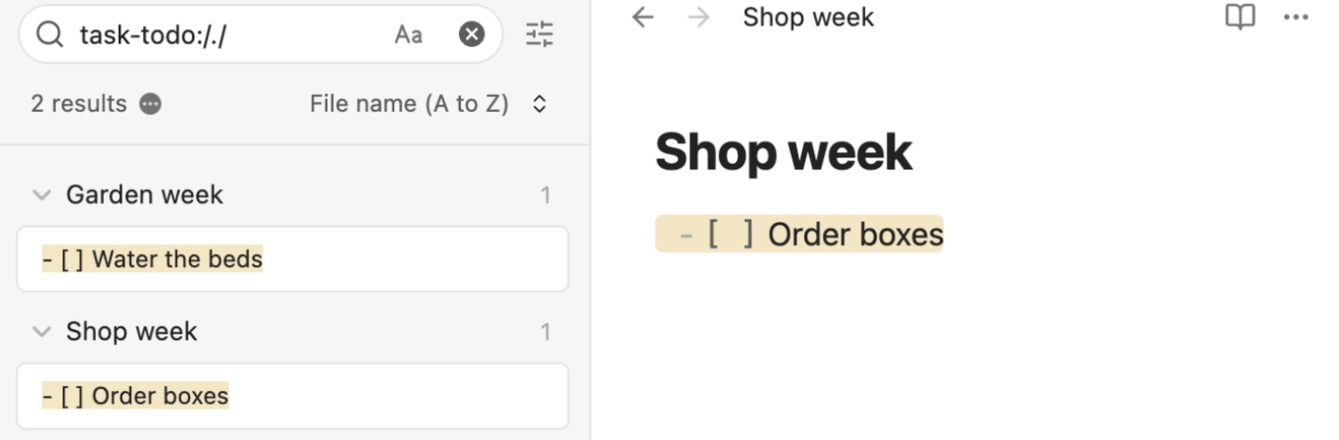
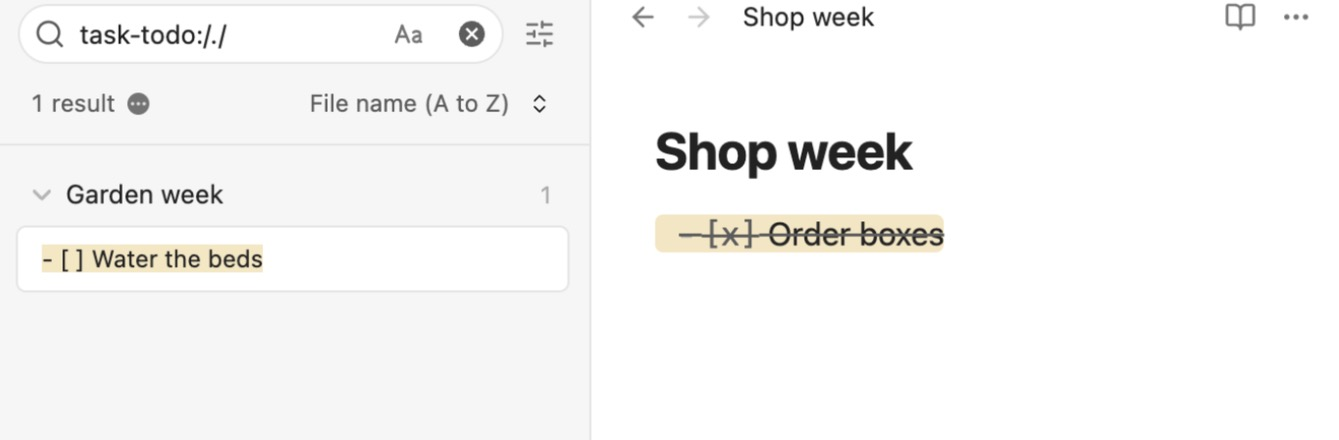
Screenshots of Obsidian from our hands-on tests. Each links to the full-size image; the test name leads to the task, how we judged it and the other tool's result.

Pricing
| Plan | Monthly | Yearly (12-month total) |
|---|---|---|
| FreeFull app, no sign-up; commercial license optional | Free Free plan | |
| Sync StandardPer user/month; $4/month billed yearly ($48/year), $5 billed monthly; 1 synced vault, 1 GB, 1-month version history | $5/mo | $48/yr ($4/mo) |
| Sync PlusPer user/month; $8/month billed yearly ($96/year), $10 billed monthly; 10 synced vaults, 10 GB, 12-month version history | $10/mo | $96/yr ($8/mo) |
| PublishPer site/month add-on; $8/month billed yearly ($96/year), $10 billed monthly; hosting up to 4 GB, custom domain | $10/mo | $96/yr ($8/mo) |
Prices checked on .
Features
In Notes and knowledge
| Feature | Obsidian |
|---|---|
| Offline use | Yes · Local app, works without internet |
| Local-first files | Yes · Markdown files in a local folder (vault) |
| Databases | Yes · Bases core plugin: table, cards, list, kanban views; map via official Maps plugin |
| Backlinks | Yes · Core plugin; linked and unlinked mentions |
| Real-time collaboration | Partial · Shared vaults via Sync (up to 20); no live co-editing |
| API | Partial · TypeScript plugin API and CLI; no hosted web API |
| Publish to web | Add-on · Obsidian Publish, $8/site/month billed yearly |
| Encryption | Yes · AES-256 end-to-end for Sync by default; standard encryption is optional |
| AI features | Partial · Web Clipper Interpreter (own provider key or local Ollama); community plugins |