
Goodnotes
Handwriting-first note-taking app for iPad and other devices, with PDF markup, whiteboards and built-in AI.
Founded 2011
Some links on this page are affiliate links. If you buy through them we may earn a commission at no extra cost to you. This never affects our verdicts.
Goodnotes is a note-taking app built around handwriting. You write on digital paper with a stylus such as Apple Pencil, mark up imported PDFs, and search your handwriting or convert it to text. Alongside notebooks it offers whiteboards, typed Text Documents and audio recording, and it runs on iPad, iPhone, Mac, Android, Windows and the web. On Apple devices notebooks work offline and sync through iCloud; Android, Windows and Web keep recent documents offline. One library across Apple and non-Apple devices needs Goodnotes Cloud, part of the Pro plan. Free includes handwriting spellcheck, Math Assist, and AI Q&A and quizzes five times a month each; Pro adds Create Mode and cloud meeting transcription with live summaries. Pro subscribers can host real-time collaboration for up to 50 people at once. Paid plans are billed yearly, from $11.99, and an optional AI Pass adds $9.99 a month.
Best for
Students and professionals who write by hand on an iPad or another tablet, mark up PDFs, and want searchable handwritten notes, with paid plans from $11.99 a year.
Pros
- Built for handwriting: handwritten notes are searchable and can be converted to text, with shape recognition and Apple Pencil support
- Essential costs $11.99 a year and Pro $35.99 a year; Apple devices also offer a one-time Special Edition where available
- Runs on iPad, iPhone, Mac, Android, Windows and the web; on Apple devices notebooks work with no connection at all
- Real-time collaboration with live cursors for up to 50 people at once, as long as one Pro subscriber has the document open
- Handwriting spellcheck, Math Assist, and Q&A and quiz generation (5 uses a month each) are included even on Free
Cons
- Free plan allows up to 3 notebooks, 100 MB storage and 5 MB imports, and its exports are watermarked
- One library across Apple and non-Apple devices (Goodnotes Cloud) needs Pro; Essential and Special Edition do not include it
- Notes live inside the app, not as files you can browse; .goodnotes exports open only in Goodnotes, and Android, Windows and Web cannot export that format
- Create Mode and cloud meeting transcription need Pro, or the $9.99-a-month AI Pass on top of a paid plan
- Password Protection works only on iOS and iPadOS and does not encrypt notebooks
From our tests
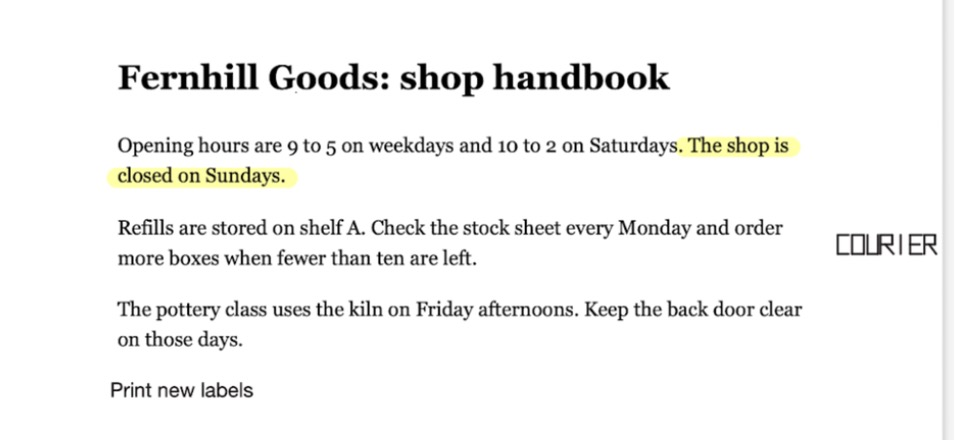
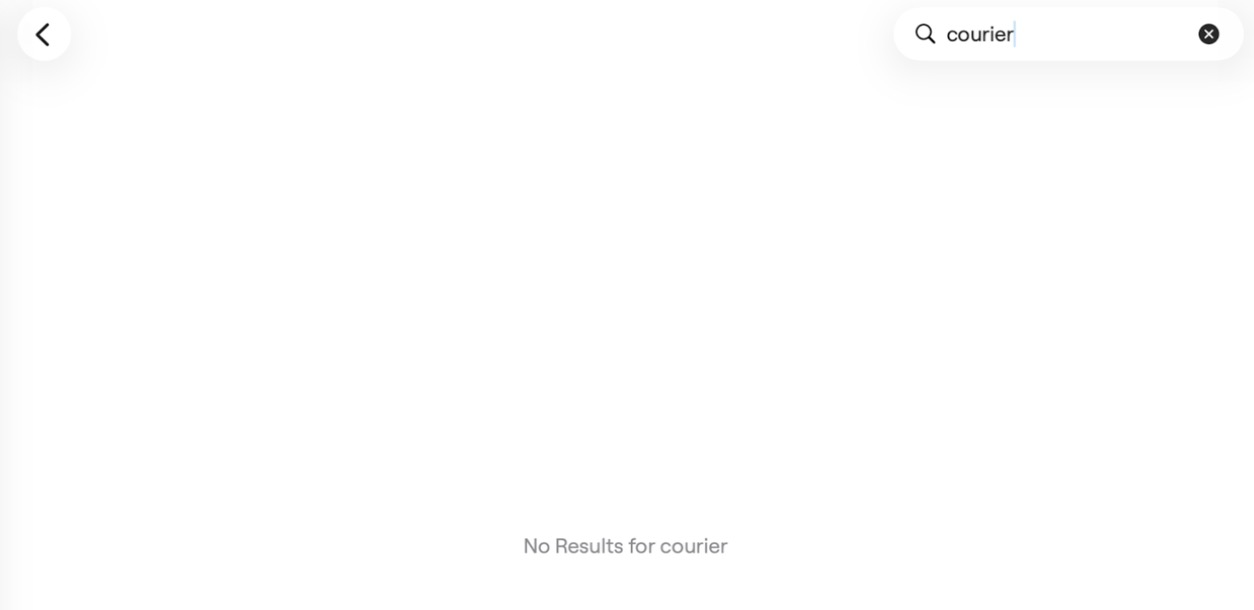
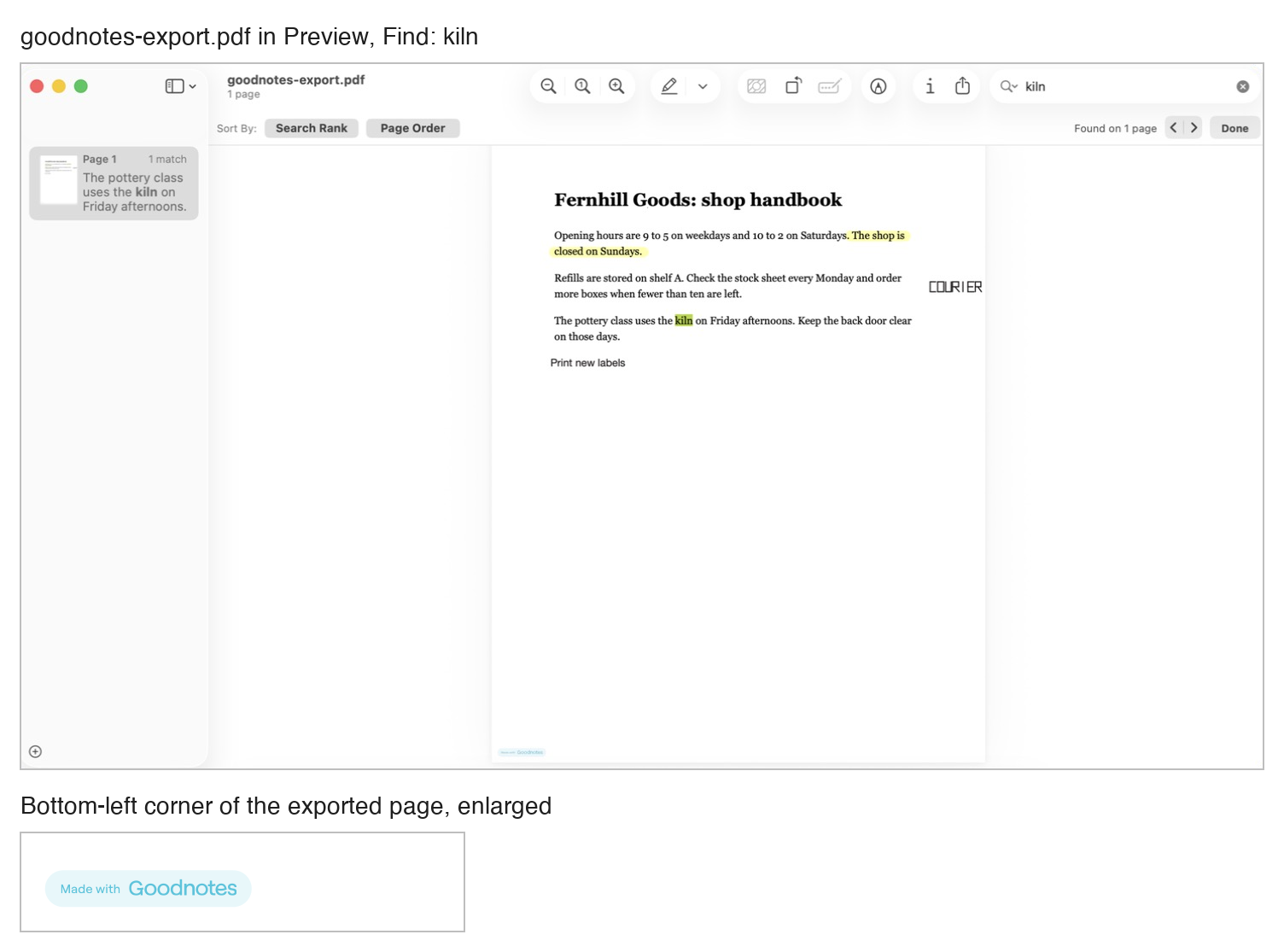
Screenshots of Goodnotes from our hands-on tests. Each links to the full-size image; the test name leads to the task, how we judged it and the other tool's result.
Pricing
| Plan | Monthly | Yearly (12-month total) |
|---|---|---|
| Free3 notebooks, 3 text documents, 3 whiteboards; 100 MB storage; 5 MB imports; watermarked exports; 10 AI credits a month | Free Free plan | |
| EssentialBilled yearly only ($11.99/year); unlimited files, 5 GB storage, basic Goodnotes AI; 7-day free trial; AI Pass add-on +$9.99/month | no monthly price | $11.99/yr, billed yearly ($1/mo) |
| ProBilled yearly only ($35.99/year); hosts real-time collaboration, private link sharing, Goodnotes Cloud sync (rolling out gradually), Create Mode, Meeting AI; 7-day free trial | no monthly price | $35.99/yr, billed yearly ($3/mo) |
| TeamsPer seat, billed yearly only ($120/seat/year); admin console, SAML SSO, domain control, consolidated billing; 30-day free trial | no monthly price | $120/yr, billed yearly ($10/mo) |
| EnterpriseCustom price; contact sales; for 25 seats and up; AI permissions, Microsoft Intune App SDK, custom contract | Custom | |
Prices checked on .
Features
In Notes and knowledge
| Feature | Goodnotes |
|---|---|
| Offline use | Yes · Notebooks live on the device on Apple; Android, Windows and Web keep a limited set of recent documents (last 30 days) offline |
| Local-first files | Partial · Library kept inside the app, not as browsable files; export to .goodnotes or PDF; Auto Backup copies to cloud storage on iPhone and iPad |
| Databases | No · Tables in Text Documents; no database feature documented |
| Backlinks | No · One-way links from typed text to a notebook or whiteboard page; no backlinks documented |
| Real-time collaboration | Yes · Live cursors for up to 50 people at once; needs one Pro subscriber in the document |
| API | No · No public API documented; the ChatGPT app and Claude connector only create new documents |
| Publish to web | Partial · Public share link: anyone with it can view and comment in a browser; Essential and up |
| Encryption | Partial · Encryption at rest and in transit (no detail given); Password Protection does not encrypt notebooks |
| AI features | Yes · Goodnotes AI on every plan (10 credits a month on Free); Create Mode and Meeting AI on Pro or AI Pass |