

LanguageTool
Multilingual grammar, spelling and style checker with an AI paraphraser, shared style guides and an open-source core.
Founded 2003
Some links on this page are affiliate links. If you buy through them we may earn a commission at no extra cost to you. This never affects our verdicts.
LanguageTool is a grammar, spelling and style checker for more than 30 languages and dialects. It started in 2003 as an open-source project, is published by LanguageTooler GmbH in Hamburg, Germany, and is now managed by Learneo, Inc.; QuillBot is a sister brand. Its help center calls it an AI editing tool rather than an AI writing tool.
The free Basic plan checks up to 2,000 characters per text field and allows three AI paraphrases a day. Premium costs $24.90 a month or $69.90 a year and raises the limit to 150,000 characters, with unlimited paraphrasing, a personal Style Guide and full Picky Mode. The browser extension, now Premium-only, adds generative AI prompts and translation inside web apps. Teams adds a shared Style Guide, a Team Dictionary and user management, billed yearly at $66.40 per user for two to nine users, less for bigger teams.
Best for
Writers and small teams who work in several languages and want grammar, style and rephrasing help on text they wrote themselves, rather than a tool that drafts articles from a prompt.
Pros
- Checks more than 30 languages and dialects, with over 20,000 extra Premium checks in seven languages
- Yearly Premium costs $69.90, less than three months at the $24.90 monthly price
- Personal and team Style Guides and dictionaries keep wording consistent
- Open-source core (LGPL 2.1 or later) that you can self-host; the extension still works with your own server
- 14-day money-back guarantee on every Premium package, and you can cancel at any time
Cons
- The browser extension, which also handles Google Docs and Gmail, now needs Premium; free users are pointed to the website
- The free plan stops at 2,000 characters per text field and three AI paraphrases a day
- Its help center calls it an editing tool, not a writing tool: no templates, SEO tools or plagiarism checker are listed
- AI paraphrasing covers six languages, not all 30-plus
- Teams is billed yearly only; there is no monthly team plan
From our tests
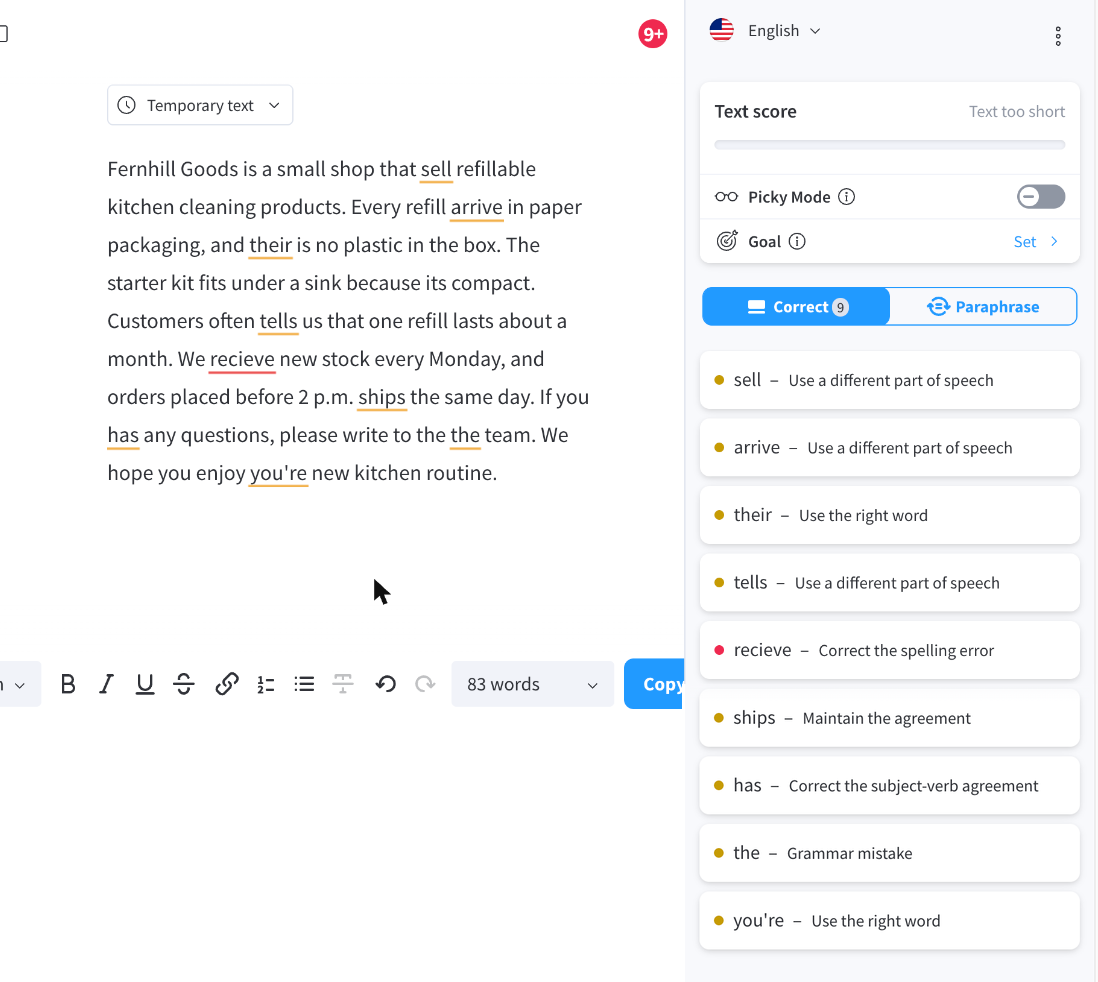
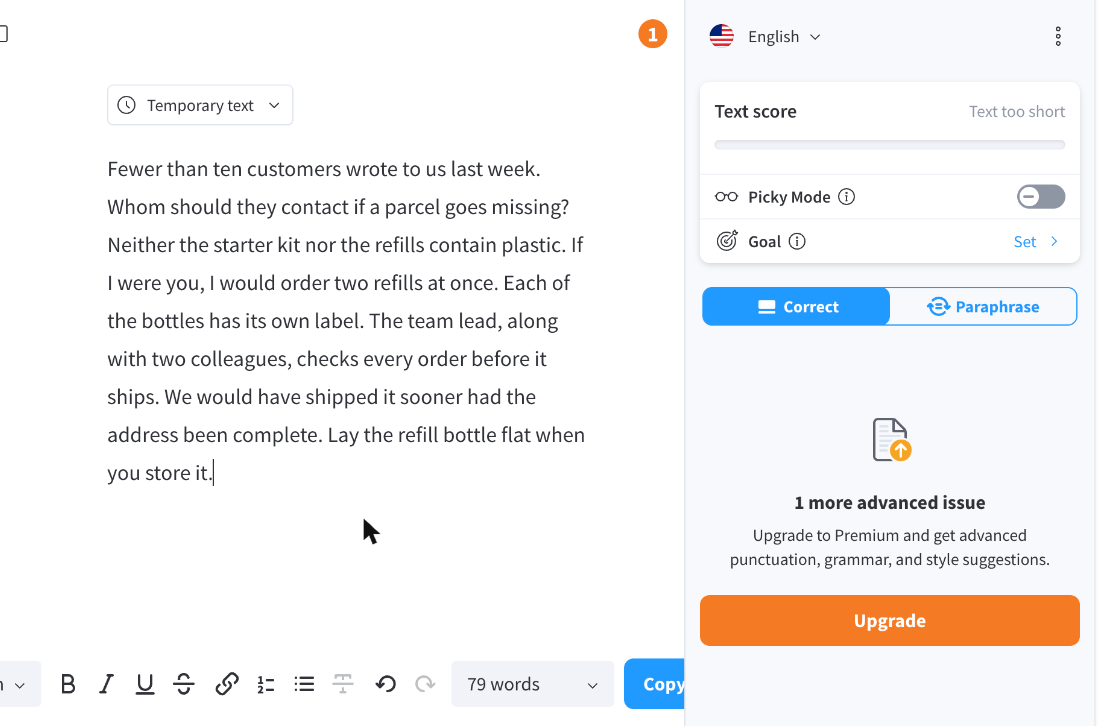
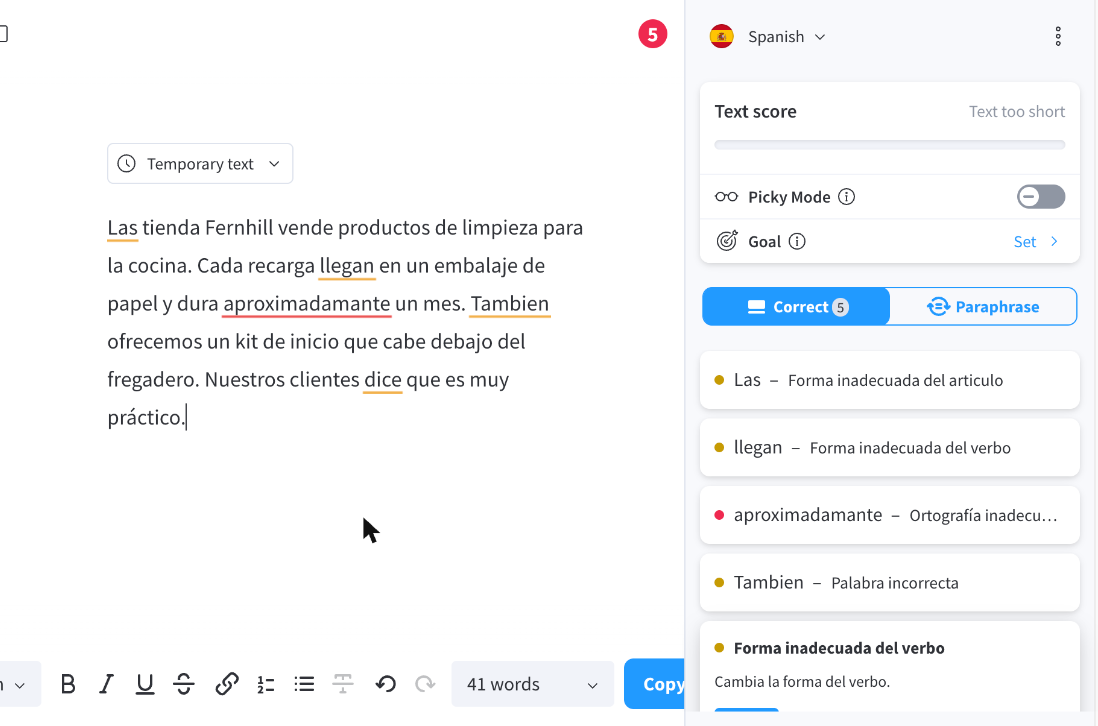
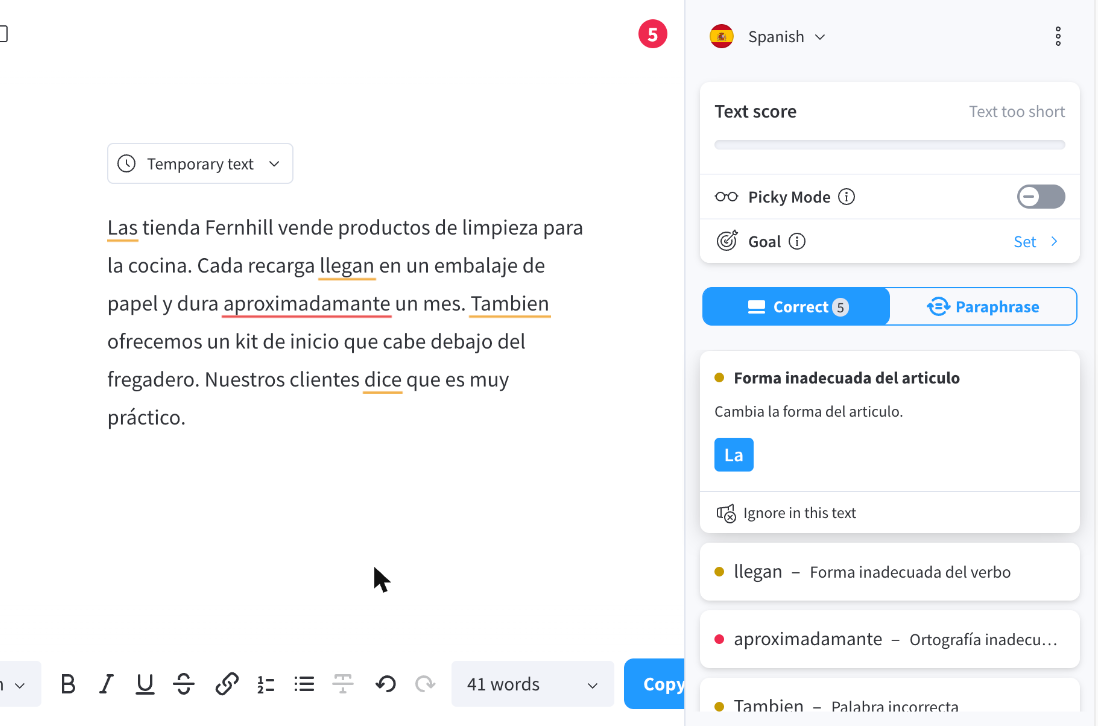
Screenshots of LanguageTool from our hands-on tests. Each links to the full-size image; the test name leads to the task, how we judged it and the other tool's result.
Pricing
| Plan | Monthly | Yearly (12-month total) |
|---|---|---|
| BasicFree; 2,000 characters per text field, 3 AI paraphrases a day, limited Picky Mode; the browser extension needs Premium | Free Free plan | |
| Premium1 user; $69.90 billed yearly; also $49.90 a quarter or $119.80 for 2 years; 150,000 characters per text field, unlimited AI paraphrasing | $24.90/mo | $69.90/yr ($5.83/mo) |
| TeamsPer user, billed yearly; $66.40 for 2-9 users ($69.90 list less 5%), 10% off from 10 users, rising to 50% at 1,000; Team Style Guide, Team Dictionary, user management | no monthly price | $66.40/yr, billed yearly ($5.53/mo) |
Prices checked on .
Features
In AI writing tools
| Feature | LanguageTool |
|---|---|
| Brand voice | Partial · Rule-based: personal Style Guide on Premium, shared Team Style Guide and Dictionary on Teams |
| SEO mode | No · No SEO features listed |
| Plagiarism check | No · No plagiarism checker listed |
| Templates | No · No templates; the paraphraser has five modes (general, formal, concise, fluent, simple) |
| Team seats | Yes · Teams plan from 2 users with user management; volume discounts for larger teams |
| API | Yes · Free public API (20 requests a minute per IP); paid API $39 to $550/mo by daily calls; self-hostable server |
| Word limits | Yes · 2,000 characters per text field free, 150,000 on Premium; 3 AI paraphrases a day free, unlimited on Premium |
| Free trial | Partial · Free Basic plan; no Premium trial on the pricing page, 14-day money-back guarantee |
| Integrations | Yes · Extension for Chrome, Edge, Firefox, Safari, Opera (Premium only; also covers Google Docs, Gmail); Word, Thunderbird; Windows and macOS apps |